Product Update: Orion Integration Update
Additional updates in this release:
We’ve added increased functionality and made improvements to the user interface of our Orion integration in this month’s product update.
Users of both Asset-Map and Orion can now:
- Quickly create an Asset-Map Household by importing an Orion client record
- Easily add a new, linked Asset-Map Member to an existing Household
[caption id="" align="alignnone" width="2256"]
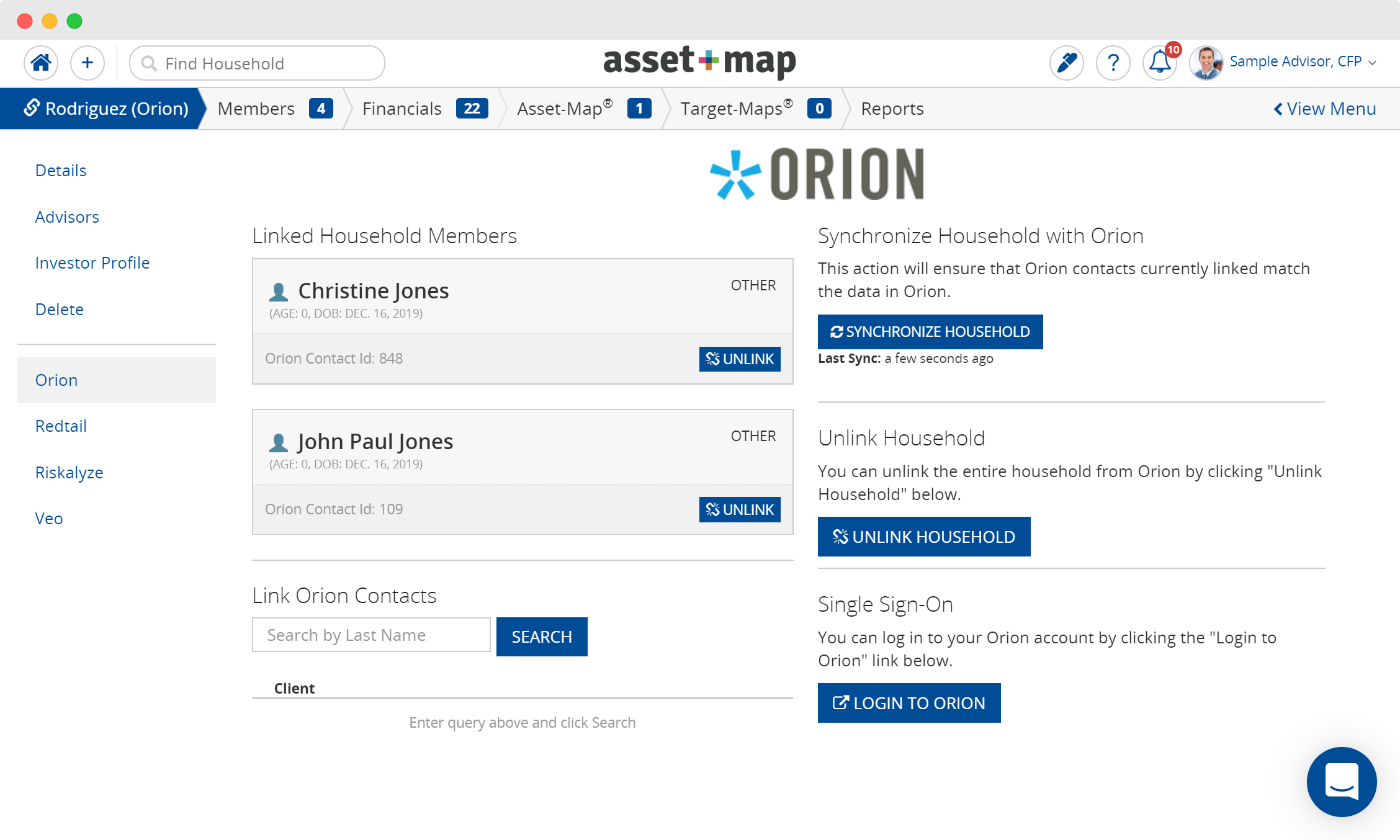
Linking household members to Orion [/caption] [caption id="" align="alignnone" width="2256"]
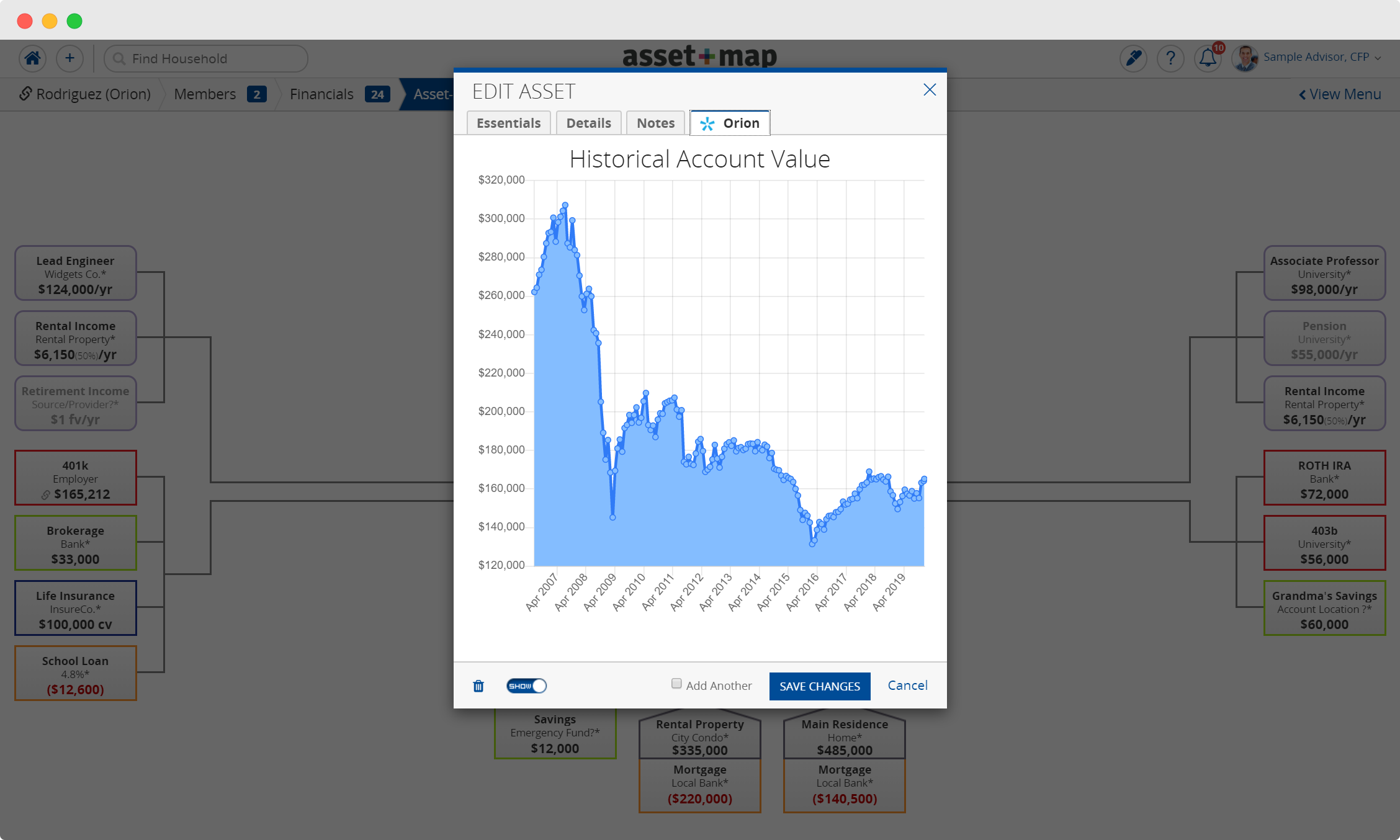
Viewing Orion data on an Asset-Map financial box [/caption]
How Does It Work?
1. Select the “Integrations from the Household dashboard
2. Select Orion and search for the client(s) in the Household you want to update
3. From the Import To drop-down list, select the Household Member not currently linked
4. After a successful import, the client you selected appears in the Linked Household Members area
5. Once the Household Member is linked, your Asset Map will create new financial boxes that are synced to Orion data.
6. Click on a Household Member or their new financial boxes and select the Orion tab to view their Target Portfolio Score, Current Portfolio Score, and Account Score and more.
Are you an Orion user looking to improve your tech stack? Experience Asset-Map for yourself and schedule a demo today.

Official editorial and product content published by the Asset-Map team.