
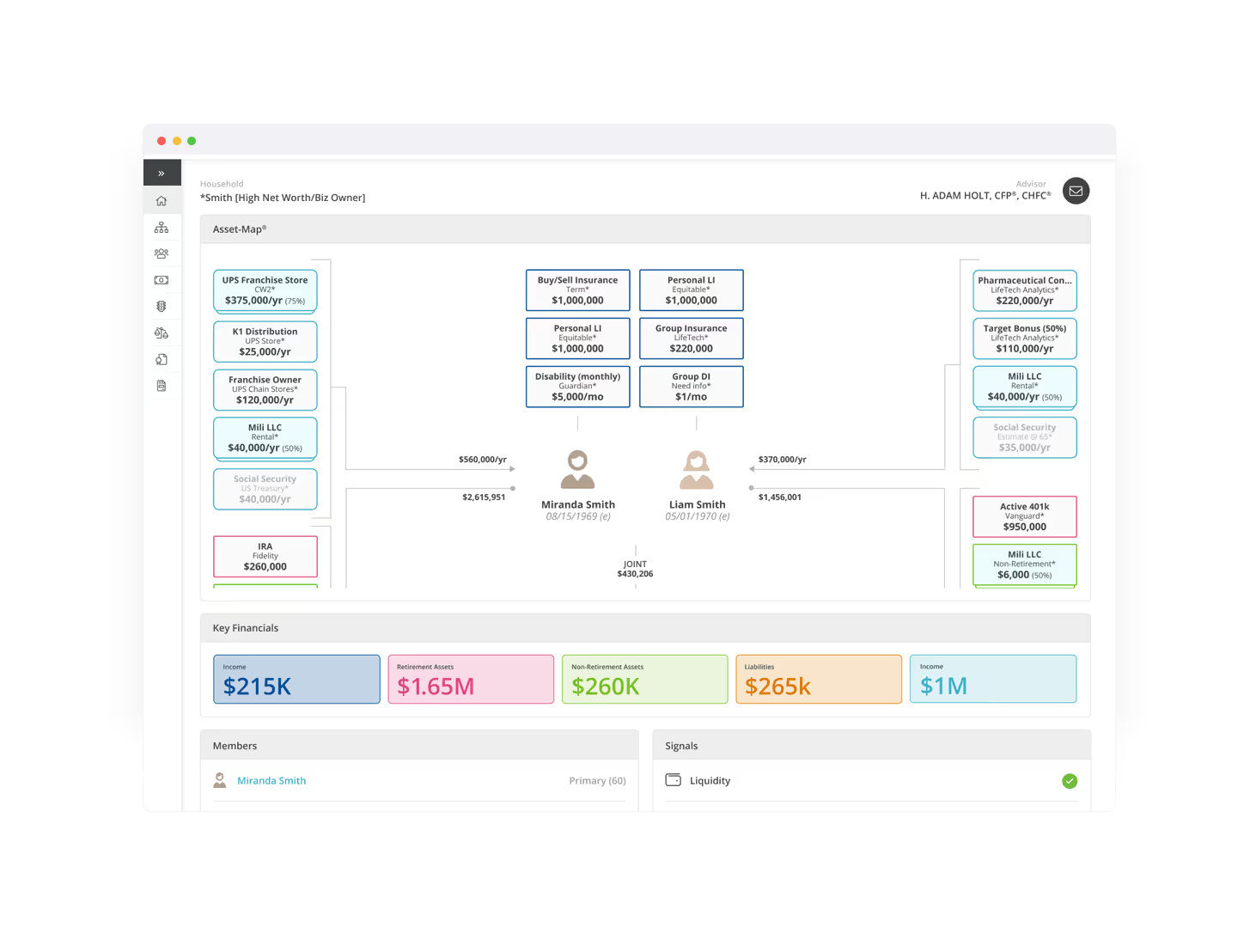
Client Portal
Asset-Map's Client Portal helps you collaborate with your client, deliver more personalized service at scale, and enrich your planning conversations.
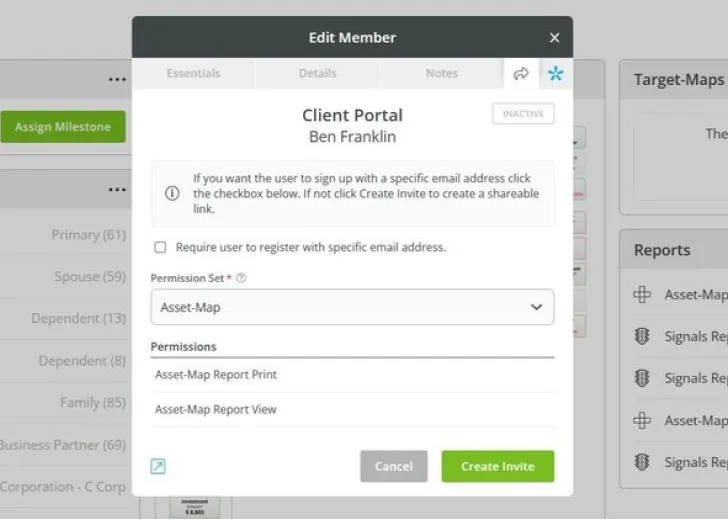
What type of access can I grant in the Client Portal?
With this feature, advisors can choose between granting their clients a View-Only mode or Suggest mode experience. In both cases the advisor remains in control of the data.
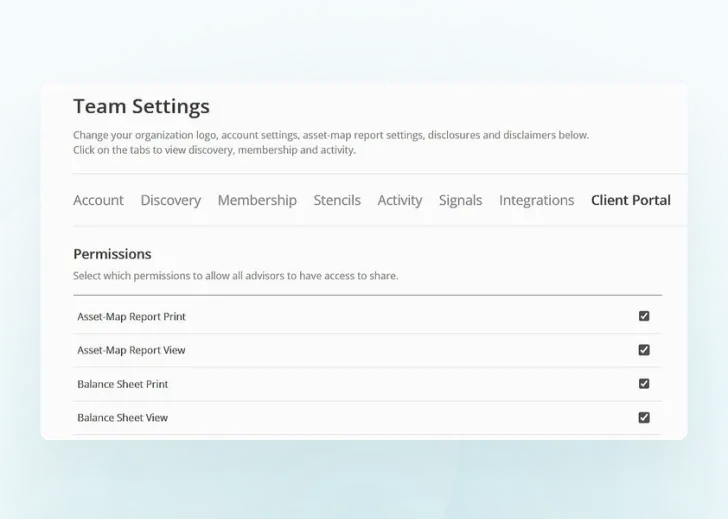
How can I share access to Asset-Map with my client?
When Client Portal permissions are enabled in your Team Settings, you'll be able to manage Client Portal permissions from the Household Summary page.
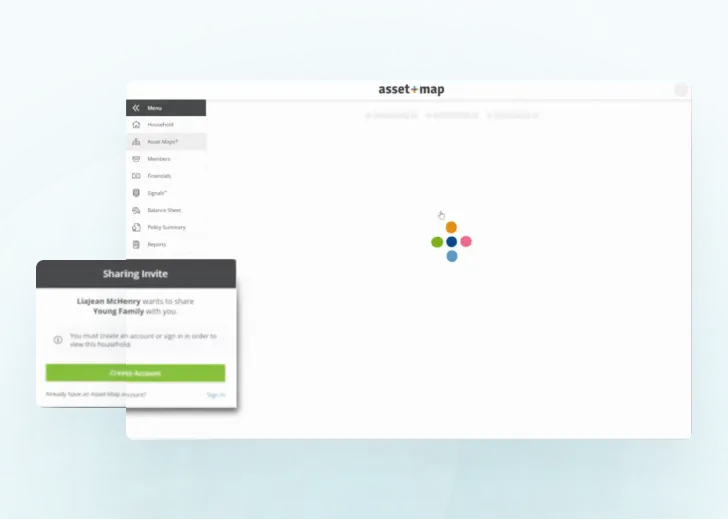
What can I share with my clients through the Client Portal?
You can share access to the Asset-Map Report in either a View-Only mode or Suggest mode. Financials, Relationships, Balance Sheet, Policy Summary, and Beneficiaries can be shared in View-Only mode.