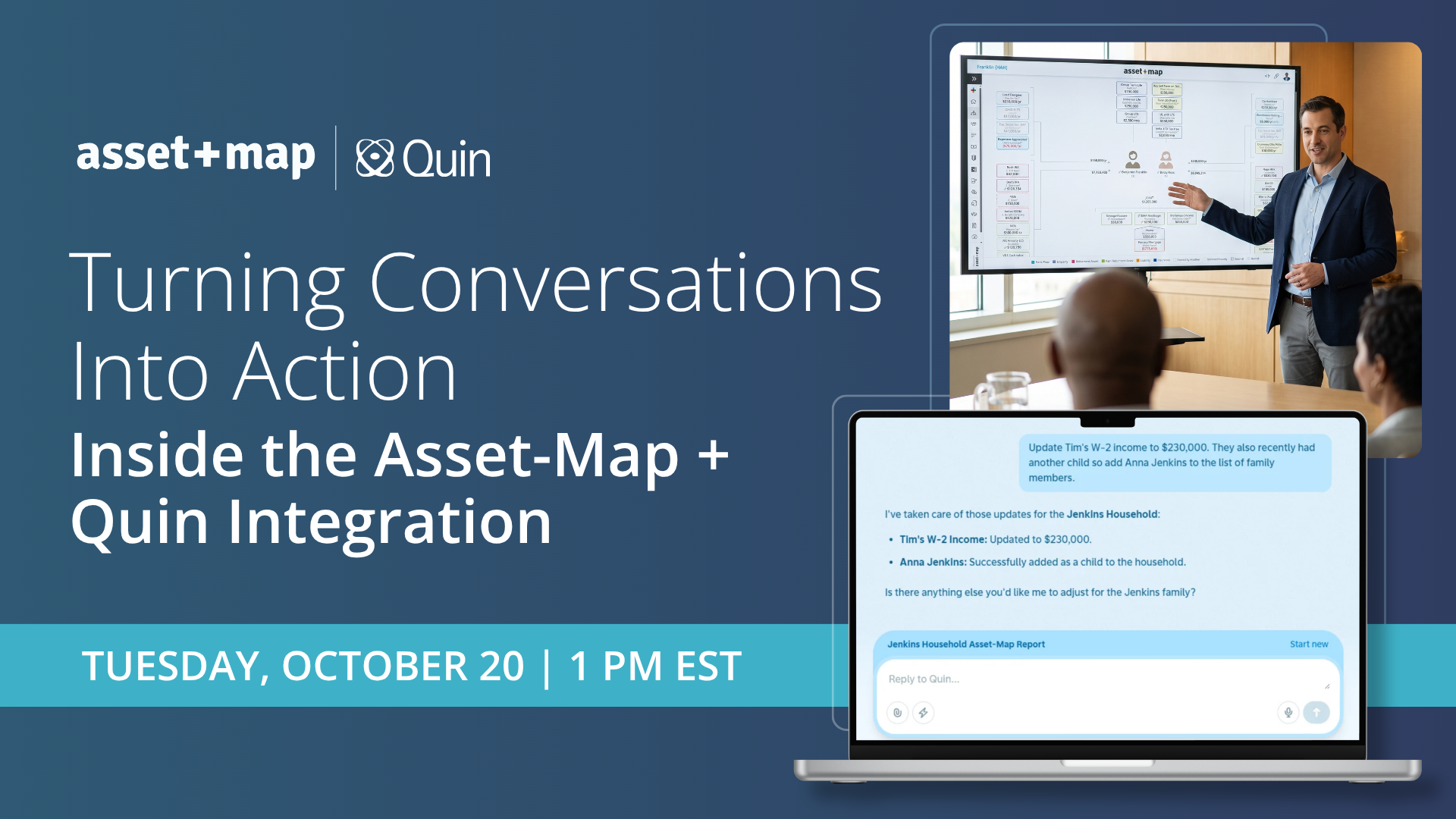
Turning Conversations Into Action: Inside the Asset-Map + Quin Integration

Is the hardest part of your client meetings everything that happens outside them?
You pull household details before the call, then in the meeting you juggle listening with frantic note-taking, and finally afterwards, you’re left to update records, recalling every detail. By the next review, the picture you're working from may be out of date.
The new integration between Asset-Map and Quin is designed to give you your time back. Asset-Map builds an interactive advice presentation that keeps you and your client focused on what matters most for the household, while Quin, the AI assistant built for financial advisors, handles the work before and after.
In this live session, you'll see how two powerful platforms work together across every stage of the client meeting:
- Before: Quin reviews your calendar and prepares a brief for each client meeting, pulling household members, financials, and how they connect directly from Asset-Map.
- During: The Asset-Map Report® puts the household's complete financial picture on a single page, with Signals and Target-Maps® turning the conversation toward decisions. Meanwhile, Quin takes notes, whether you meet in person, on video, or by phone.
- After: Quin updates the household in Asset-Map, logs notes to your CRM, and sends you a recap of every change, which you can correct with a simple reply.
We know that the best planning happens when the advisor and the client are on the same page. Asset-Map makes your meeting stand out, and Quin intelligently clears away the busywork before, during, and after.
Spend less time on the busywork and more on the conversations that move clients forward.
More Incoming
Turning Conversations Into Action: Inside the Asset-Map + Quin Integration
.png)
Accelerate Series | Turn Needs Analysis Into Effective Conversation: Target-Map Best Practices & Enhancements
Explore More Recent Webinars
%20(3).png)
Marketing Asset-Map to Prospects & Clients - Monthly Webinar
Accelerate Series | Asset-Map in Action: Real Client Conversations That Convert